That PDF you saved last spring? Gone again?
Your files. Found.
Press ⌘⇧I, type what you remember, and the right page opens — from any PDF, document, email or slide on your Mac. In milliseconds.

From frustration to answer.
Digging through folders, one file at a time
One hotkey searches the words inside every file
Offices & SMEsScanned paper that no search can read
Text in scans and photos recognised on your Mac
Town halls & public officesA library of PDFs, saved and forgotten
Ask your library; get the paragraph and the page
Students & researchersAI assistants that guess about your work
Your assistant searches your files before it answers
Vibe codersThree steps to your first answer.
Open the app
A signed Mac app. No account, no setup wizard to fight.
Drop a folder
Or ten. INDAGO reads them in the background and tells you when they're ready.
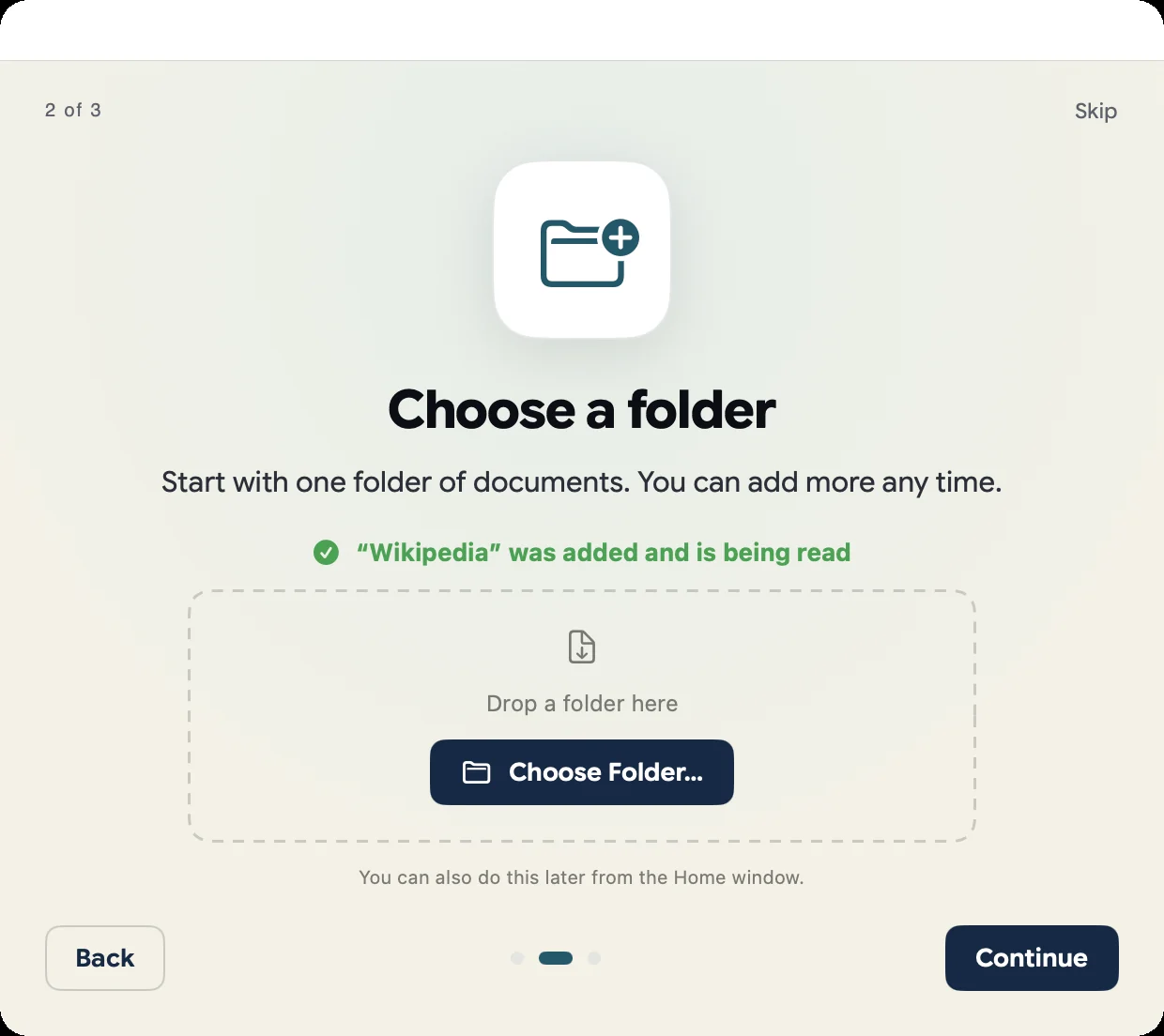
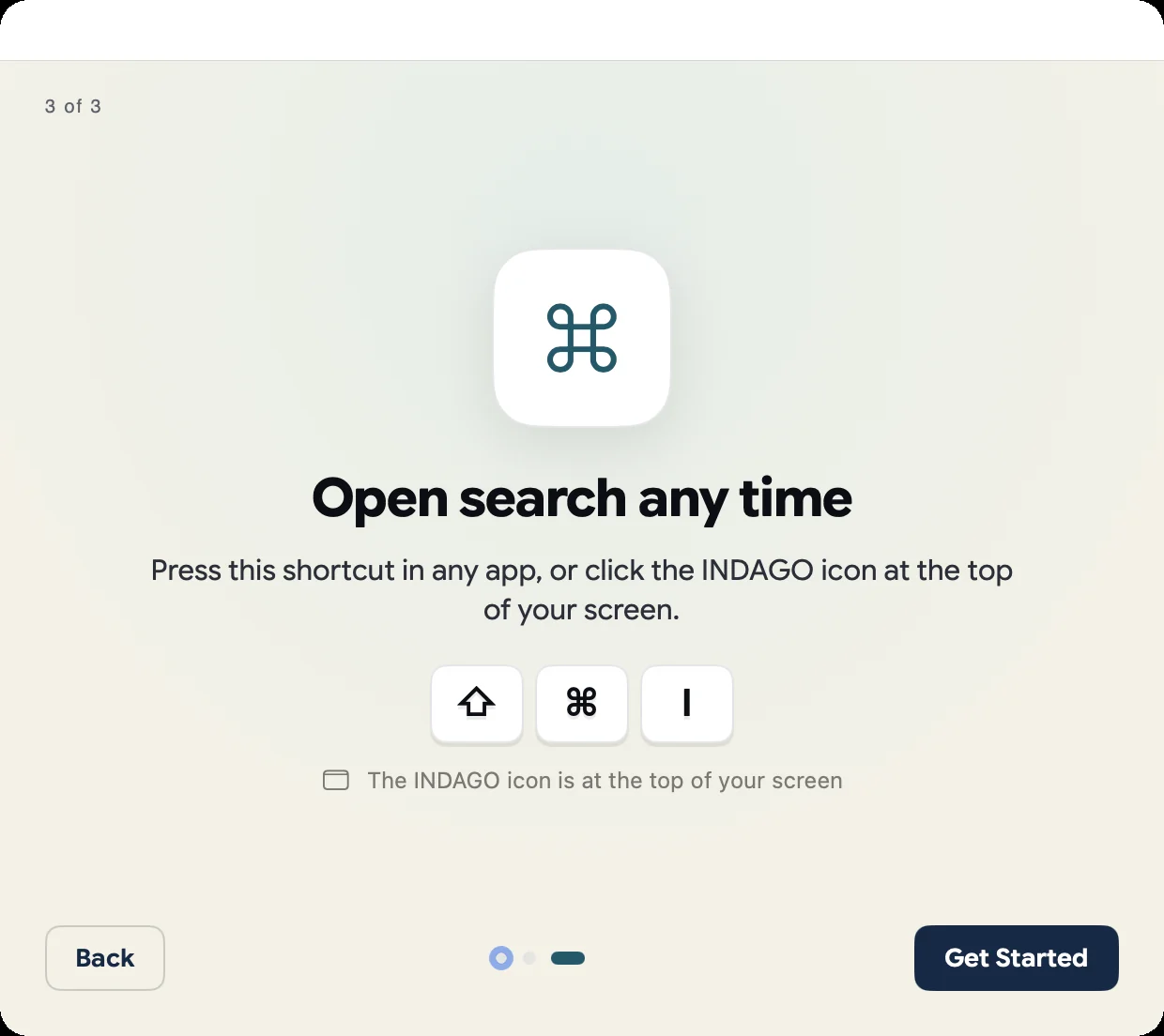
Press ⌘⇧I
Find exact words or ask in plain language. Every answer shows its source.
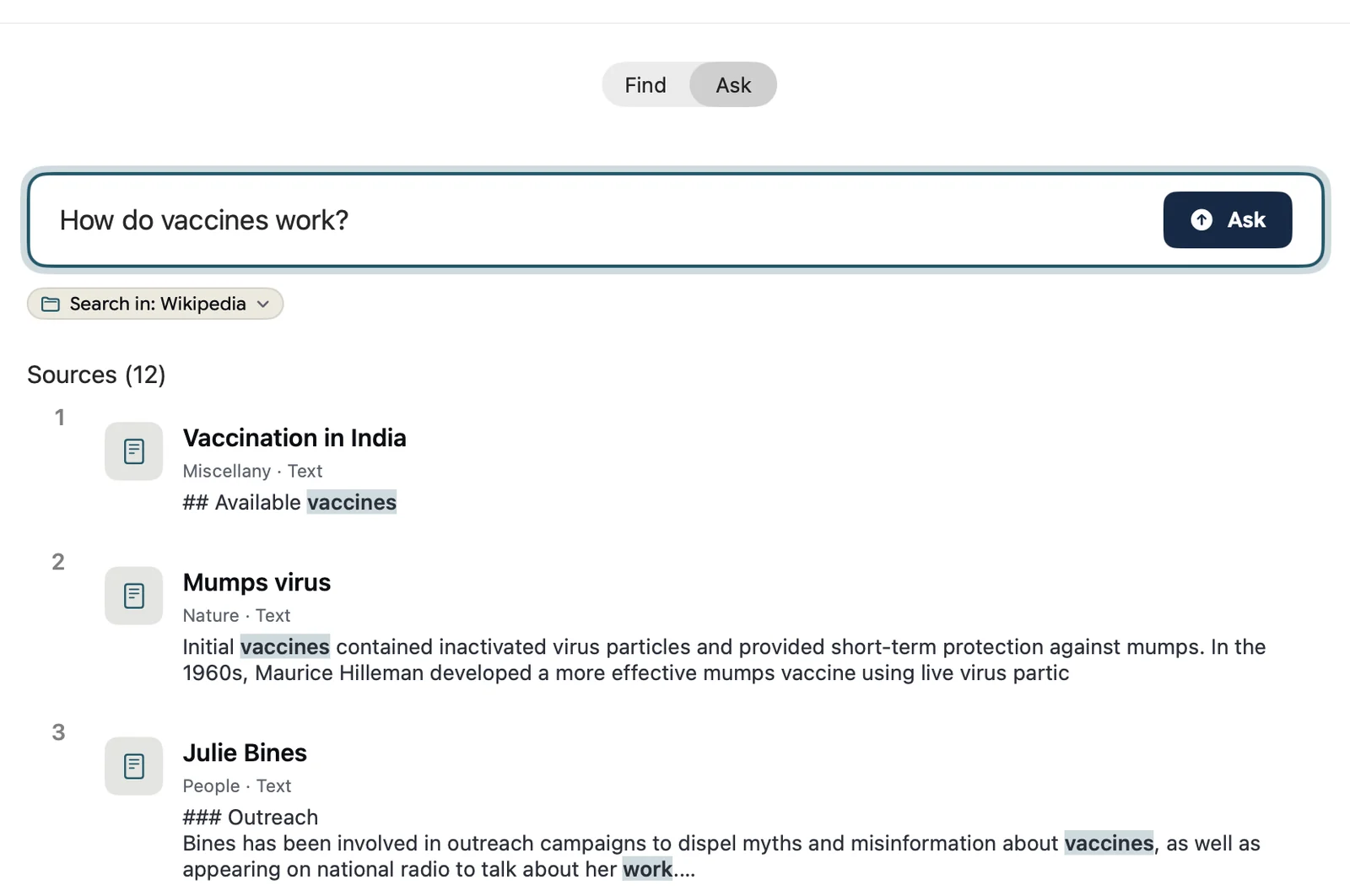
Answers, with receipts.
Ask a question and get a short answer built only from your folders — with numbered sources you can open.
- Answers only from your own files
- Every sentence points to a page
- Copy the answer with its sources
Reads what you have.
The words inside every file. Scans and screenshots too, when you switch it on.
- PDF, Word, Excel, PowerPoint, OpenDocument
- Email archives (.eml, .msg, .mbox)
- Photos and scans, read on-device
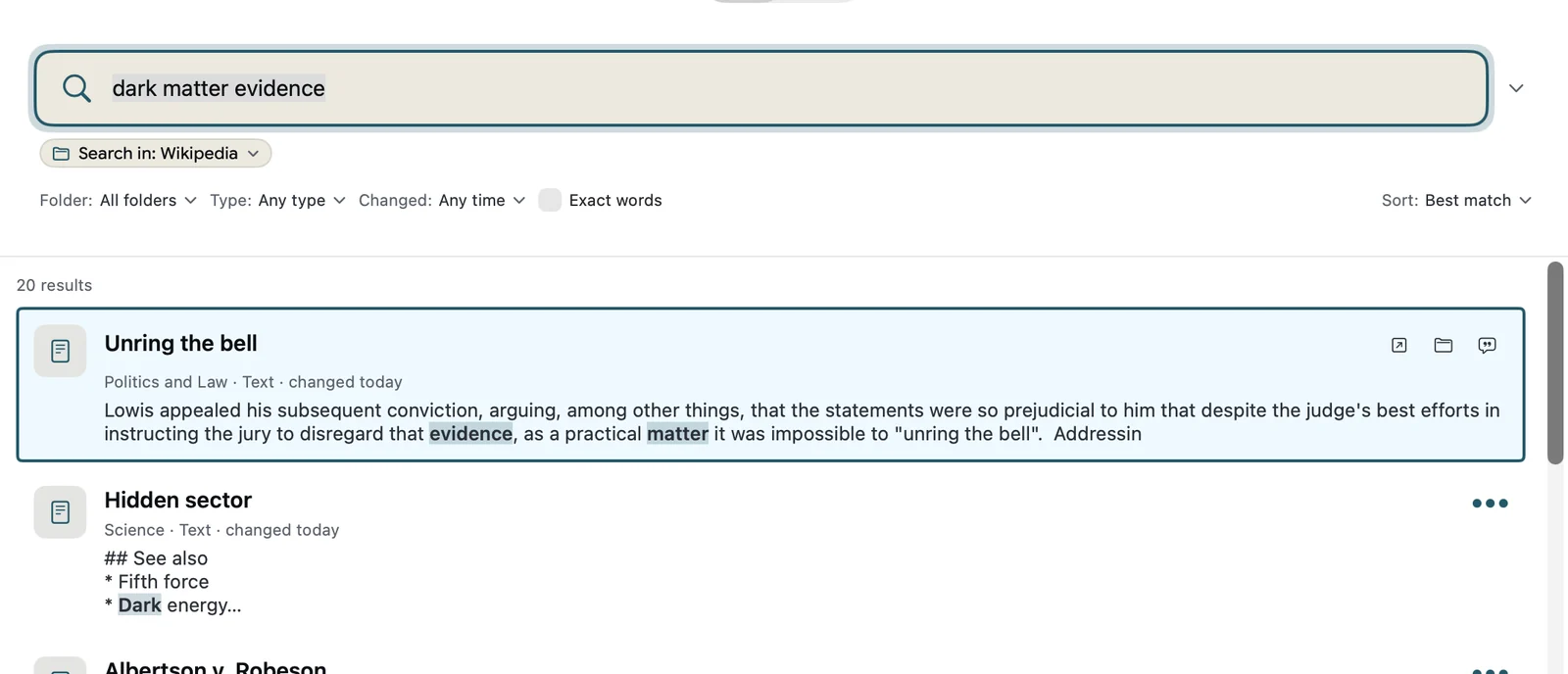
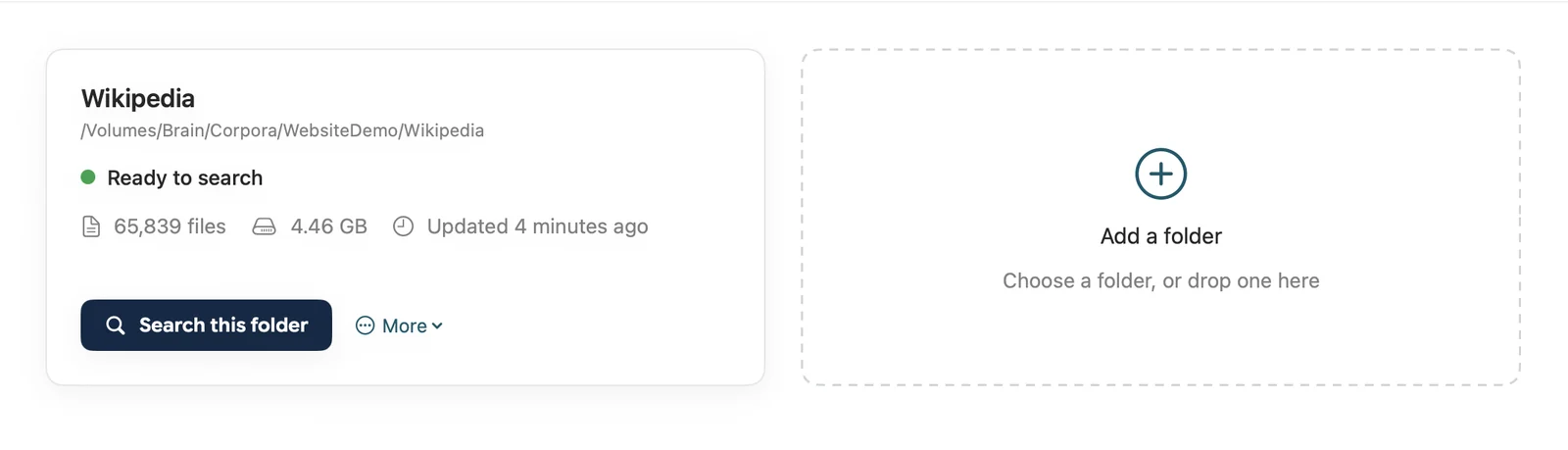
Big folders. No waiting.
Hundreds of thousands of documents stay instant. Change a file and it is searchable a moment later.
- Millions of passages on one Mac
- Searches in milliseconds, offline
- Keeps up as your files change
Give your AI a library.
Every INDAGO app includes a command line and an MCP server. Claude Code, Codex, Cursor or a local model search everything you have — and answer with sources.
“What did our 2019 study find about corrosion in the cooling loop — and does newer research agree?”
indago_find(…) INDAGOon your Mac
INDAGO finds the few passages that matter and hands them to your AI — so the window fills with evidence.
The 2019 study found pitting at the weld seams 1. Two later papers confirm the mechanism 23; one attributes it to flow rate instead 4.
Context without limits
Your agent's window holds a few hundred pages. INDAGO holds millions — and hands over only the passages that matter.
Knowledge with sources
Every passage arrives with its origin, so you can check any sentence your AI writes.
Instant and local
Answers in milliseconds, straight from your Mac. Nothing is uploaded, and it works offline.
It reads the world for you. And remembers.
When your files don't hold the answer, INDAGO goes and learns — from the web or from 280+ specialised sources. Everything it fetches stays on your Mac, indexed and ready for the next question.
You ask
A question your files can't fully answer — or a topic to watch.
It learns
INDAGO fetches from the web or from the right specialised sources.
It keeps
Everything fetched is indexed on your Mac, with its source, for every future question.
It discovers
Contradictions, gaps and unexpected connections across all of it.
280+ sources, one search.
Web search and any web page are included in every plan. The specialised sources come with the matching package. See the plans
EPO · EPO bulk data · USPTO · WIPO Patentscope · DPMA · Google Patents · Lens · EUIPO trademarks
arXiv · OpenAlex · Crossref · IEEE · Zenodo · HAL · NASA NTRS · Wikipedia in 6 languages · Wikidata
PubMed · Europe PMC · ClinicalTrials.gov · Cochrane · openFDA · UniProt · ChEMBL · Retraction Watch
Council records of 47 cities — Berlin, Munich, Paris, London, Amsterdam, New York, Toronto, Sydney — plus Bundestag and UK Hansard
CORDIS · Eurostars · SPRIND · Förderdatenbank · UKRI · NSF · SBIR · EU tenders (TED) · Bundeswehr · SAM.gov
EUR-Lex · Gesetze im Internet · legislation.gov.uk · CourtListener · Cornell LII
NVD · CISA KEV · GitHub advisories · OSV · MITRE ATT&CK · EPSS
JIRA · StepStone · EURES · Greenhouse · Personio · Enterprise Europe Network · CORDIS partner search
SEC EDGAR · Eurostat · World Bank · ONS · US Census
Europeana · Met Open Access · ReliefWeb · foundations and residencies worldwide
GitHub · Hugging Face · Stack Overflow · PyPI · npm and crates · NuGet · Docker Hub · Kaggle
Any web page, and web search — in every plan
Then it finds what search misses.
Where sources disagree
Two papers, two patents or two minutes that contradict each other — side by side.
What nobody has covered
Gaps and white space across a field, before you spend a month on it.
Connections across fields
The method from one discipline that solves a problem in another.
Research that keeps going
Give it a mission and it keeps fetching, screening and ranking — round after round.
Screened for your goal
Grants, tenders, jobs and partners ranked against your profile — with deadlines and the reasons.
The deliverable, with sources
Evidence-graded claim lists, PRISMA flows, patent white space, freedom-to-operate notes, BibTeX.
Without being told what a patent family is, INDAGO grouped filings that cover the same mechanism under different priority dates — the starting point of a freedom-to-operate review.
Asked how to recover copper from old circuit boards, INDAGO lined up what every patent reports — eight patents give copper leaching rates, with bioleaching routes among the strongest.
If it has words, it's found.
* Text in images is recognised on your Mac when you switch it on in Settings.
Pick your world.
Your problem, your documents, your first five steps.
Town halls & public offices
Council minutes, permits, letters: find the decision from 2019 in seconds.
DevelopersVibe coders
Your repos, notes and docs — one hotkey for you, one tool for your AI.
ResearchStudents & researchers
Your paper library, lecture notes and drafts — ask across all of them.
BusinessOffices & SMEs
Contracts, invoices and email archives — the clause you need, right there.
Measured: production measurement windows, Oct 2026 (search) · INDAGO test report v1.1, Apple M5 Max, no GPU (indexing) · website demo. How we measured →
Find it in a blink.
Your documents stay on your Mac.
macOS · Apple silicon · Signed and notarised